Inventory sync
Vehicle details, prices and availability come from your approved DMS feed.
Assisted setup

SOCIAL AUTOMATION FOR DEALERSHIPS
Connect an authorized feed from your DMS. AuctionSyn imports vehicles and photos, prepares content and adds posts to your queue.
You review the content and enable your publishing schedule.
No credit card required. · Start with 3 months free.
Provider approval and dealer authorization are required to connect.
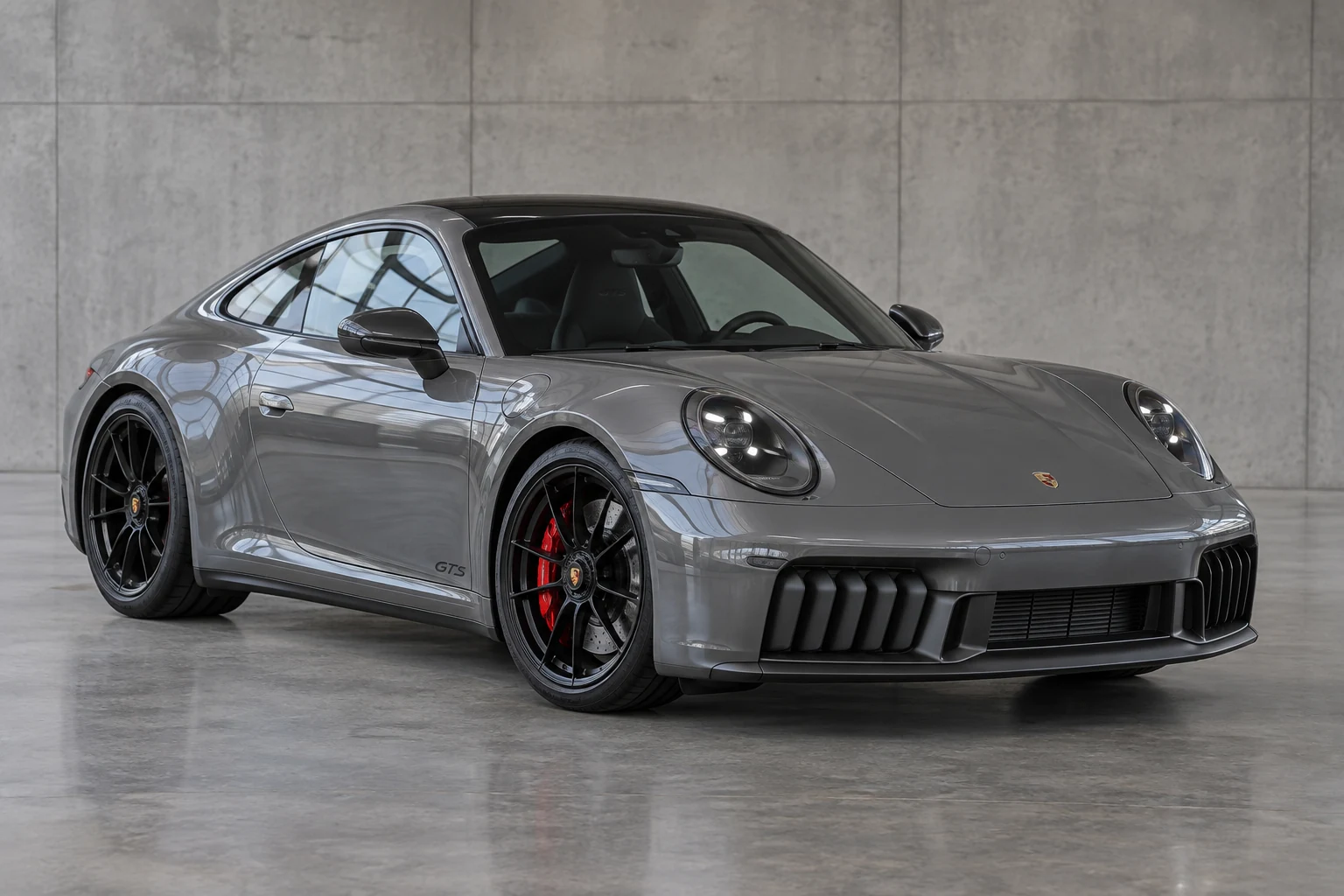 3 photos
Photos and details imported
New post with the vehicle photos and details.
Price change
The same vehicle record is updated. Changed content waits for your review.
Sold
When the feed marks a vehicle sold, future posts that have not started are cancelled. Previously published posts are not deleted.
Illustrative demo; this is not a live provider connection.
CONNECT YOUR DMS
Your dealer management system (DMS) sends inventory to AuctionSyn. After authorization and a test import, new feed deliveries update vehicles, prices and photos.
Vehicle details, prices and availability come from your approved DMS feed.
Assisted setupOriginal photos arrive with each vehicle, ready to select, brand and post.
Assisted setupCompatibility depends on your DMS export format and delivery options. We confirm these before activation.
Confirm your dealer ID, export authorization and photo rights with your provider.
Your DMS delivers its inventory file to AuctionSyn. We check vehicle details, photos and statuses with a test import.
Choose what enters the queue and your schedule. Publishing requires a connected social account and its permissions.
Copart, IAAI and Encar URL imports are available too.
AI AND AUTOMATION FOR YOUR DAILY WORK
Save the repetitive steps: downloading photos, typing vehicle details and posting at the right time. You review the content before it goes out.
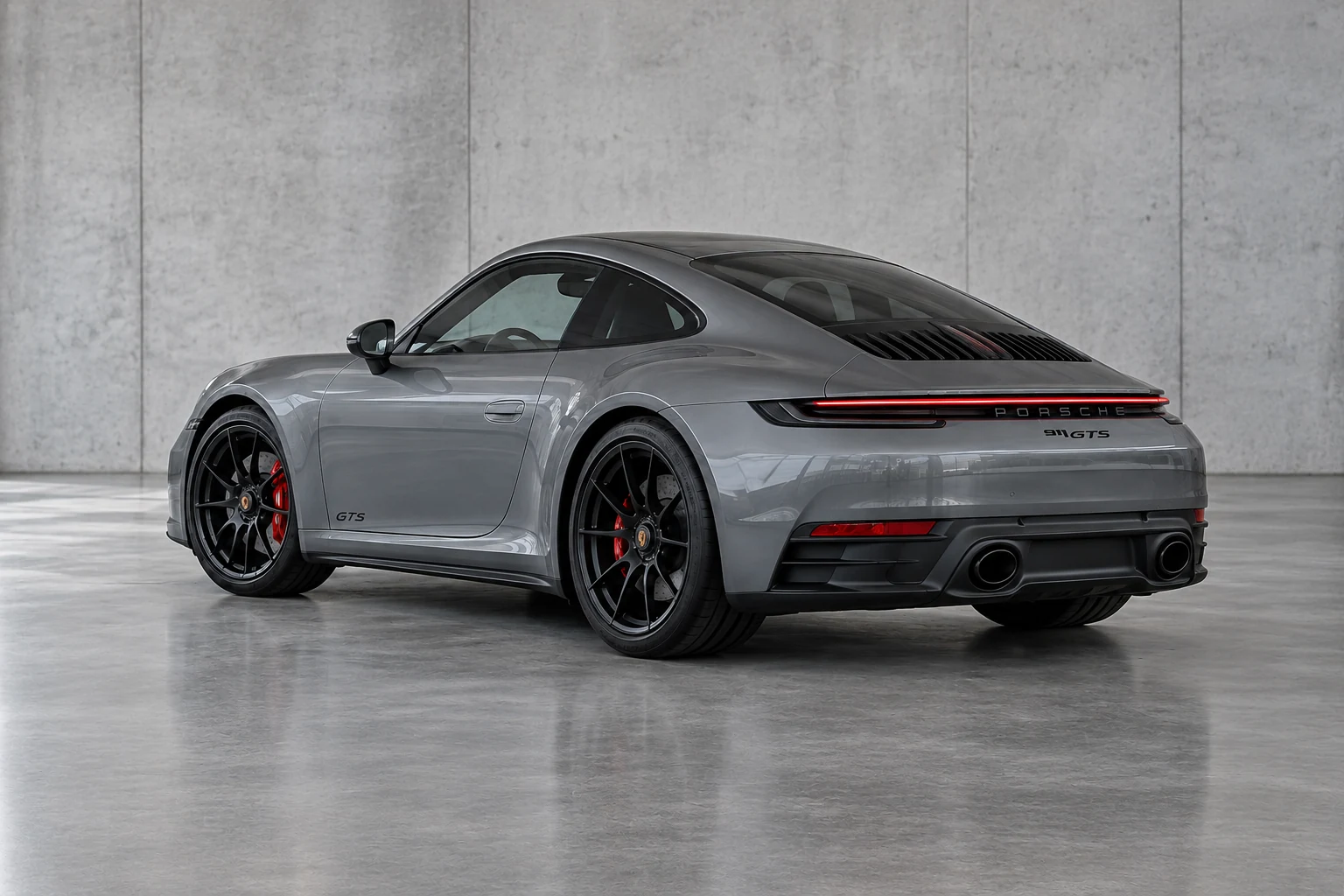
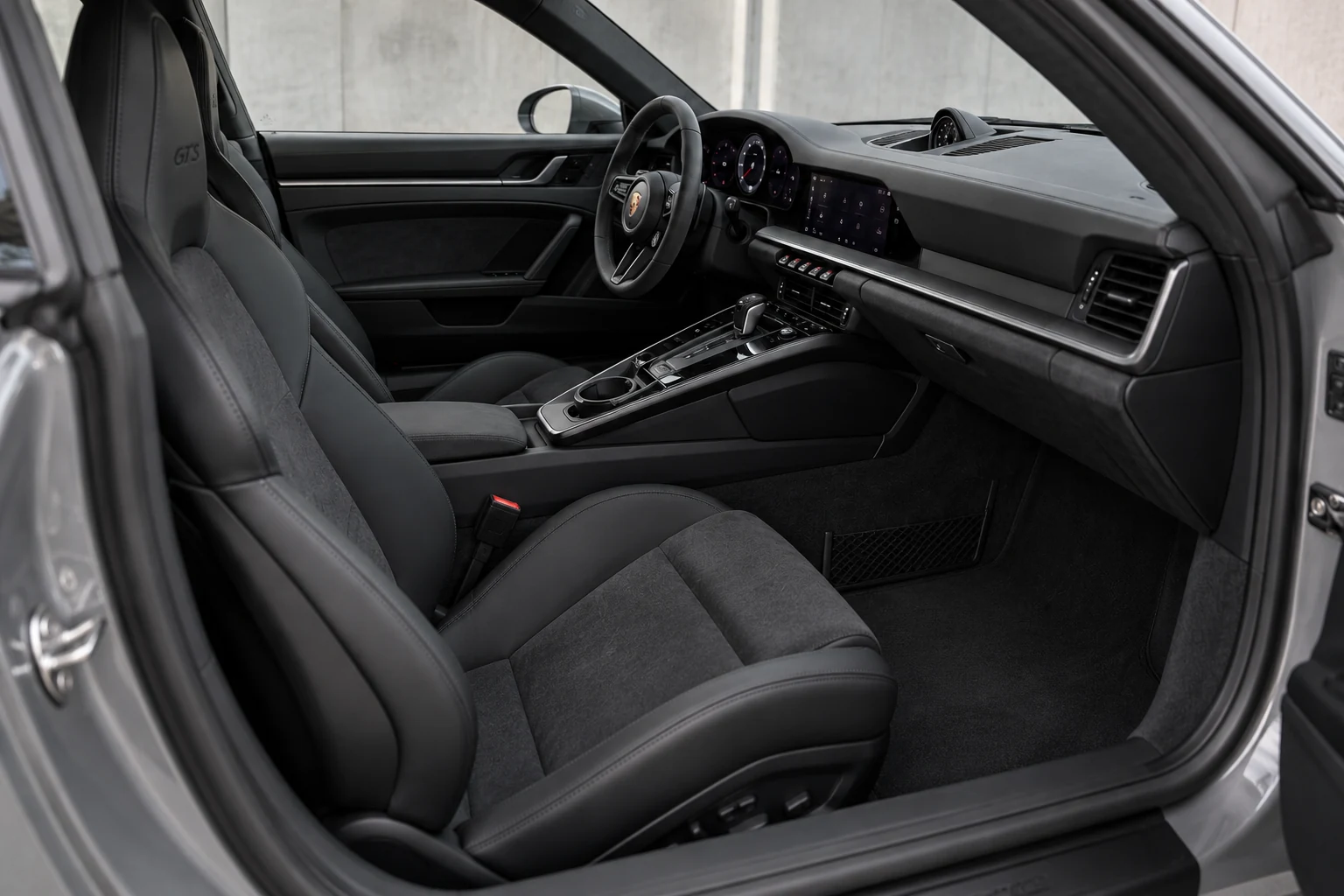
Photos and details, in one place.
Once the connection is approved, new exports automatically bring in vehicles and photos. Repeat deliveries update inventory without duplicating vehicles.
Photos imported for youEdit the description, choose the language and select your photos. Create videos with captions and your logo. Mark the number plates you want to blur.
Your description is already draftedScheduled
Choose the social account, date and time. Once live publishing is enabled and you approve the content, the system publishes it automatically on schedule.
No waiting for posting timeViews use sample data. Importing and publishing use the connections enabled in your account.
PRICING
Every plan includes DMS imports, content creation, scheduling and CRM. Choose the vehicle import allowance and AI video capacity your dealership needs.
Starter · Growth · Team
Vehicles, prices, photos and availability from your inventory.
Editable captions, branded photos and standard photo videos.
Review content and schedule posts to connected social accounts.
Keep contacts, enquiries, notes and follow-ups together.
Share quotes and record deposits, costs and balances.
Share documents, photos and delivery updates with your customer.
For dealerships getting started.
89.10USD / month
Billed yearly: 1,069.20 USD
Save 118.80 USD a year
99USD / month
Billed monthly.
50 new vehicle imports / month
DMS, URL and CSV · one shared allowanceAll platform tools included.
See every included featureFor dealers creating posts regularly.
179.10USD / month
Billed yearly: 2,149.20 USD
Save 238.80 USD a year
199USD / month
Billed monthly.
200 new vehicle imports / month
DMS, URL and CSV · one shared allowanceAll platform tools included.
See every included featureFor dealerships with more vehicles and videos.
359.10USD / month
Billed yearly: 4,309.20 USD
Save 478.80 USD a year
399USD / month
Billed monthly.
500 new vehicle imports / month
DMS, URL and CSV · one shared allowanceAll platform tools included.
See every included featureEach vehicle newly added to AuctionSyn counts once. Existing vehicle updates, repeat inventory deliveries and photo retries do not use extra imports.
The import allowance resets on the 1st of each month in UTC, including on annual plans. At the limit, new vehicles wait while existing updates continue. No automatic overage charges.
The example video counts above assume 2 animated photos per video. Animating more photos uses more credits.
1 AI credit animates 1 photo for 5 seconds. Allowances reset monthly, including on yearly plans, and are shared by your team. Standard photo videos and Instagram posting use no AI credits. Running out of your allowance does not trigger automatic charges.
Start with 3 months free. The trial includes 6 AI credits each month. No card required. The trial also includes 10 new vehicle imports each month.
Provider export fees, if any, are separate. Connections require authorization and testing; activation is not instant.
THE COMPLETE LIST
StarterGrowthTeam
Every feature below is included in Starter, Growth and Team. Open a category for details. AI allowances and resolution follow your selected plan.
Import vehicles and photos from your authorized dealer-system export. Copart, IAAI and Encar URL or CSV imports remain available.
Keep details, documents and history together. See what is missing before publishing.
Prepare a caption from listing details. Choose a language, edit the text and add hashtags. Free-text translation requires an activated service.
Select photos and change their order. Keep the originals while preparing copies for posts.
Save your logo, colours and contact details. Use them in images, videos and quotes.
Combine photos and text in a design. Save it for later or add it to the vehicle post.
Create portrait or landscape videos with photos, subtitles and your logo. AI animation uses plan allowances and activated services.
Blur number plates manually. Rotating views use licensed files; automatic plate detection requires additional setup.
Choose the date, time and time zone. Instagram needs a connected professional account; you control approval, pausing and cancellation.
Connectors exist for Facebook Pages, YouTube, Pinterest, TikTok and LinkedIn. Activation requires app setup, permissions and a real test for each network.
Prepare text and photos for MerrJep and Marketplace. Publish there yourself, then save the advert URL in AuctionSyn.
Refresh post metrics from connected networks. See the measurements available for your account and permissions.
Save contact details, budget and notes. Assign a team member and the next follow-up date.
Share a vehicle page or a catalogue. Customers enquire about the vehicle through WhatsApp or a form.
Reply to messages and comments, and assign conversations to your team. Messaging activation and Meta permissions are required.
Email customers about documents, payments and shipping. Requires customer consent and a configured email service.
Estimate purchase, fees, shipping, customs and other expenses from the values you enter. Prepare a branded quote.
Send a quote by link or PDF. The customer accepts it in the portal. Changes require a new approval.
Send vehicles for approval with a bid ceiling and expiry. Record the customer’s decision; AuctionSyn does not bid or buy at auction.
Translate quote notes and terms when the service is active. Review the text before sharing.
Record payments, refunds and balances against the right vehicle and customer. Payments are entered manually.
Compare the quote with actual expenses. See profit once the sale price and costs are complete.
Prepare documents with your business details and track balances by customer and currency.
Record the amount, currency, paid exchange rate and fees. You set the rate; different currencies stay separate.
Manage shipments, carriers and stages. You or your team update progress; automatic tracking needs an approved carrier connection.
Customers see the order, payments and documents you share. Internal notes and profit stay private.
Upload collection, loading and arrival evidence. Keep it separate from auction photos and choose what customers can see.
Invite your team and assign roles. Each person gets access to the work they handle.
Track vehicle deadlines, documents and tasks needing attention. The dashboard brings daily priorities together.
Connect other systems to read data and receive notifications. Setup is required; this connection cannot change records or publish posts.
Social accounts, email and AI services need activation. Included features remain subject to platform permissions and plan allowances.
Social connections are activated separately. Formats and permissions vary by network.
Subscriptions are activated after AuctionSyn confirms your request. Prices are in USD; this page does not collect payment.
DEMO MOTORSVoiceover and subtitles
Illustrative timeline. Create the video in your workspace.
2026 · Sample data
Save your style once. Use it in new projects.
AN AI STUDIO FOR YOUR VEHICLES
Turn imported photos into AI videos or a standard photo montage. Add captions and your logo. Save your brand style and reuse it for the next vehicle.
AI animation uses your plan’s allowances and activated services. Review the result before publishing.
FROM ENQUIRY TO DELIVERY
Track the enquiry, share the quote and keep payment records together. Customers see the documents and progress you share in their private portal.
You record payments and update transport. The portal keeps both clear for the customer.
Sample amounts · EUR
YOUR TOOLS. ONE WORKSPACE.
Vehicles, marketing and customers, in one place. Choose a category to explore what you can do.
Vehicles From a URL to a vehicle record with photos, details and an editable caption.
Studio Your photos, videos and designs, in your business’s style.
Publishing Prepare the post, connect your account and choose the time.
Customers From first enquiry to the next follow-up, with a clear owner.
Quotes Costs, quotes and customer approval, connected to the vehicle.
Finance Payments, expenses and balances, connected to the same record.
Tracking The progress, photos and documents you choose to share with customers.
Staff Your team, roles, deadlines and connections to other systems.
HOW IT WORKS
Try importing, posting, quotes and the customer portal.
Click the tabs or arrows to see the other screens.
VEHICLE RECORD
Posts, the quote, payments and transport link to the same car.
2026 · Copart · Sample
2020 · IAAI · Sample
2022 · Encar · Sample
STEP 1 · IMPORT
Enter the vehicle URL to import available details and photos.
Sample URL. This demo does not fetch auction data.
The app shows progress while details and photos are being retrieved. You then review the content before scheduling.
STEP 2 · CHOOSE PHOTOS
Select your photos and choose which one appears first.
No photos selected.
AI-created photos for demonstration only. These are not photos from a real listing.
STEP 3 · CAPTION & DAMAGE
Check the facts and make the caption your own.
5 sample languages here · 26 translation languages in the platform
🚗 Modeli: Porsche 911 Carrera GTS 📅 Viti: 2026 ⚙️ Motori: 3.6L T-Hybrid ⛽ Karburanti: benzinë / hibrid 📍 Kilometrazhi: ≈ 12 070 km 🔧 Dëmtimi i raportuar: pjesa e përparme Automjet në ankandin e Copart. Kontakt: [kontakti i biznesit tuaj] Referenca: 99000001Dëmtim i raportuar në pjesën e përparme. Kontrolloni fotot për detajet.🚗 Model: Porsche 911 Carrera GTS 📅 Year: 2026 ⚙️ Engine: 3.6L T-Hybrid ⛽ Fuel: gasoline / hybrid 📍 Mileage: ≈ 12,070 km 🔧 Reported damage: front end Vehicle at auction on Copart. Contact: [your business contact] Lot: 99000001Reported front-end damage. Review the photos for details.🚗 Modello: Porsche 911 Carrera GTS 📅 Anno: 2026 ⚙️ Motore: 3.6L T-Hybrid ⛽ Carburante: benzina / ibrido 📍 Chilometraggio: ≈ 12.070 km 🔧 Danno segnalato: parte anteriore Veicolo all’asta su Copart. Contatto: [contatto della tua attività] Lotto: 99000001Danno segnalato nella parte anteriore. Controlla le foto per i dettagli.🚗 Modell: Porsche 911 Carrera GTS 📅 Baujahr: 2026 ⚙️ Motor: 3.6L T-Hybrid ⛽ Kraftstoff: Benzin / Hybrid 📍 Kilometerstand: ≈ 12 070 km 🔧 Gemeldeter Schaden: Frontbereich Fahrzeug bei der Auktion auf Copart. Kontakt: [Ihr Geschäftskontakt] Los: 99000001Gemeldeter Schaden im Frontbereich. Prüfen Sie die Fotos auf Details.🚗 Modelo: Porsche 911 Carrera GTS 📅 Año: 2026 ⚙️ Motor: 3.6L T-Hybrid ⛽ Combustible: gasolina / híbrido 📍 Kilometraje: ≈ 12 070 km 🔧 Daños reportados: parte delantera Vehículo en subasta en Copart. Contacto: [contacto de su empresa] Lote: 99000001Daños reportados en la parte delantera. Revise las fotos para ver los detalles./ 2 200 characters · Sample data
Based on the app’s test data. This is not a real listing.
STEP 3 · CAPTION & DAMAGE
Auction-reported damage, in plain language.
An image-based assessment, not a confirmed inspection. Hidden damage may not be visible in photos.
The app currently prepares damage wording from what the auction listing reports.
STEP 4 · SCHEDULE
Porsche 911 Carrera GTS · 2026
Your chosen time is in the time zone shown above.
Demo only. Nothing is scheduled or published.
FROM POST TO CUSTOMER
See who wants a quote and decide what to do next.
Porsche 911 Carrera GTS · 2026
Customers fill in the vehicle-page form without creating an account.
The customer cannot see these notes.
CUSTOMER QUOTE
Add the costs and your business details.
Edit the costs, then update the quote.
CUSTOMER QUOTE
These costs are estimates.
PAYMENTS AND EXPENSES
Porsche 911 Carrera GTS · 2026 · Demo Motors
Edit amounts to try the calculation. These records are separate from the estimated quote; no online payment is collected.
Customer charges minus recorded payments.
Shown once the sale and costs are complete. Hidden from the customer.
CUSTOMER VIEW
Payments, documents and vehicle progress on one private page.
Customers see only what you share. Team notes and profit stay private.
Updated by the dealer or team.
FREE TOOLS
No account. No payment. Use them whenever you need.
COMMON QUESTIONS
For vehicle dealers and importers who want inventory, social content and customers in one place.
Authorize the export with your provider. We configure the profile, delivery folder and allowed photo domains. A test import checks the data before activation.
We update the same vehicle without duplication. Changed content needs review. A sold or inactive status cancels future posts that have not started; already published posts are not deleted.
Your provider may charge for exports or approval. Confirm those terms directly with the provider; they are separate from your AuctionSyn subscription.
When registration is enabled, click “Start free”. Otherwise, contact us for access. The trial lasts three months; AI limits are shown in the plans.
Available photos and details from Copart, IAAI or Encar, through a connected data source. Add one URL, several URLs or a CSV. Review photos, the description and auction-reported damage before publishing.
Captions can be translated into 26 languages. The dashboard and customer portal offer Albanian, English, Georgian, Spanish, Russian and Arabic. Translation requires a connected service.
Schedule photos on Instagram with a connected professional account. Facebook Pages, YouTube and Pinterest require their connections, permissions and configuration. For MerrJep and Facebook Marketplace, prepare the text and photos, publish externally and record the advert URL.
Prepare photo-based videos, sale announcements and educational carousels. Review and download them. AI animation and narration use connected services and plan limits; a photo-based video is not real vehicle footage.
Yes. Manually record deposits, payments, charges and actual expenses. See the remaining balance. Profit is calculated once the sale and all costs are recorded. A quote is an estimate; recording a payment does not collect it online.
With private access, the customer sees the shared quote, order, payments, documents and photos you make available. They can accept the exact quote version. Internal notes and your profit remain private.
Currently, you or your team update transport stages and add pickup, loading and arrival photos. You can save the carrier tracking code and URL. Automatic carrier updates require a separate integration.
GET STARTED WITH AUCTIONSYN
 Auction